What ISZTAR is for
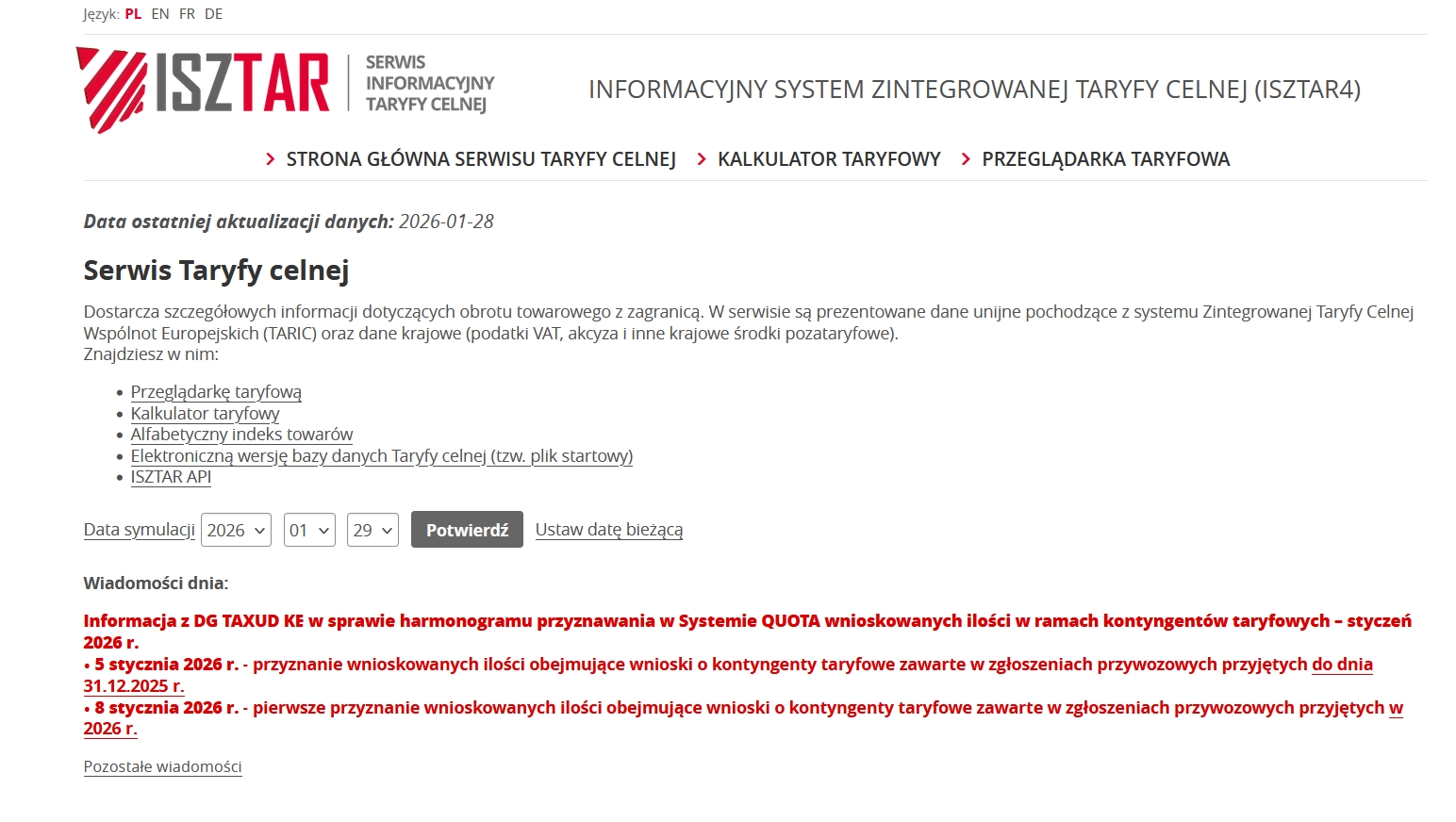
ISZTAR customs classification is the Polish tariff information system used to classify goods in international trade and determine customs duty rates and other charges.
What is ISZTAR?
ISZTAR (Integrated Customs Tariff Online System) is the official database of Poland’s National Revenue Administration. It is based on the EU TARIC tariff but also reflects Polish national regulations.
What is it used for?
In ISZTAR you will find, among other things:
- CN codes (8-digit) and TARIC codes (10-digit),
- customs duty rates (erga omnes, preferential),
- VAT and excise duty,
- restrictions and prohibitions (e.g. licences, quotas),
- trade policy measures (anti-dumping, countervailing duties).
When do you need to use it?
- importing or exporting goods,
- completing customs declarations,
- estimating import costs,
- checking whether goods require certificates/licences.
How does it work in practice?
- You describe the goods (material, function, intended use).
- You select the correct CN/TARIC code in ISZTAR.
- The system shows the duty, VAT, excise and any formal requirements.
- This code goes into the customs declaration.
How to find the commodity code yourself
Use the official ISZTAR database — the Polish version of the EU customs tariff (TARIC).
Prepare an accurate description of the goods
Before you start searching, answer a few questions:
- what is it made of? (e.g. plastic, steel, cotton),
- what is it used for? (function, application),
- is it a finished product or a part?,
- is it new or used?
A. Searching by product name
- enter the name (e.g. T-shirt, motor, loudspeaker),
- the system will show possible CN codes.
Note: names are general — always check the code description!
B. Browsing the tariff tree (most reliable)
- Choose the chapter (2 digits) – e.g. clothing, electronics
- Then the heading (4 digits)
- Next the subheading (6 and 8 digits – CN)
- Finally TARIC (10 digits)
This is the method most often used by customs agencies.
C. Checking a CN/TARIC code
If you already have a code:
- enter it without dots or spaces,
- you will see the duty rates, VAT and requirements.
Check charges and requirements
Once a code is selected, ISZTAR will show:
- the duty rate (e.g. 0%, 6.5%, 12%),
- import VAT,
- excise duty (if applicable),
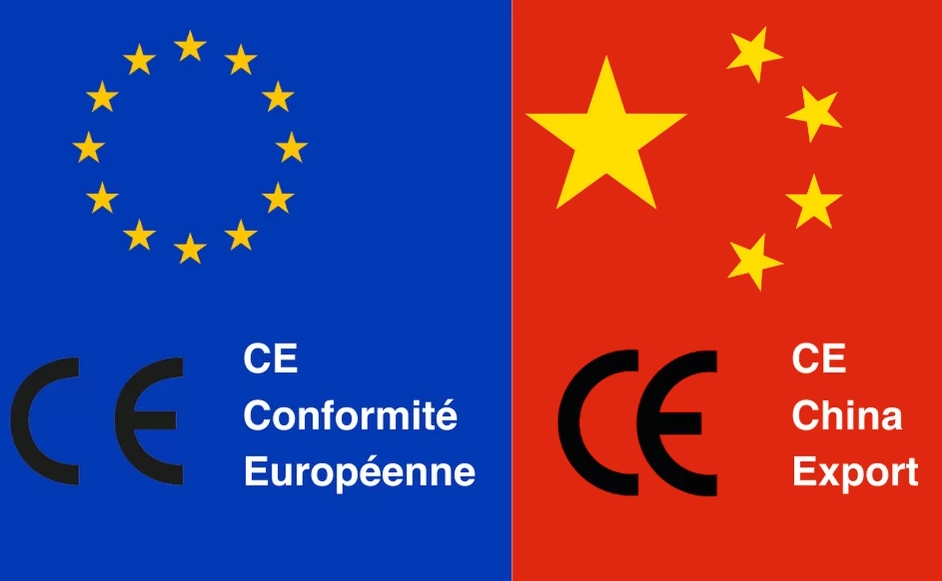
- restrictions (e.g. CE certificate, licences),
- preferences depending on the country of origin.
Pay attention to the country of origin
The same goods may have:
- a different duty from China,
- 0% duty from the EU,
- reduced duty from countries with trade agreements.
Most common mistakes
- ❌ taking “shortcuts” by searching by name only,
- ❌ ignoring the CN code description,
- ❌ confusing the intended use of the goods,
- ❌ not checking non-tariff restrictions.